
Keyboard shortcuts
Move around TaxFigure faster with keyboard shortcuts.
TaxFigure ships with a set of global keyboard shortcuts. The
Keyboard Shortcuts dialog (open it with ⌘?) is also a live
reference inside the app.
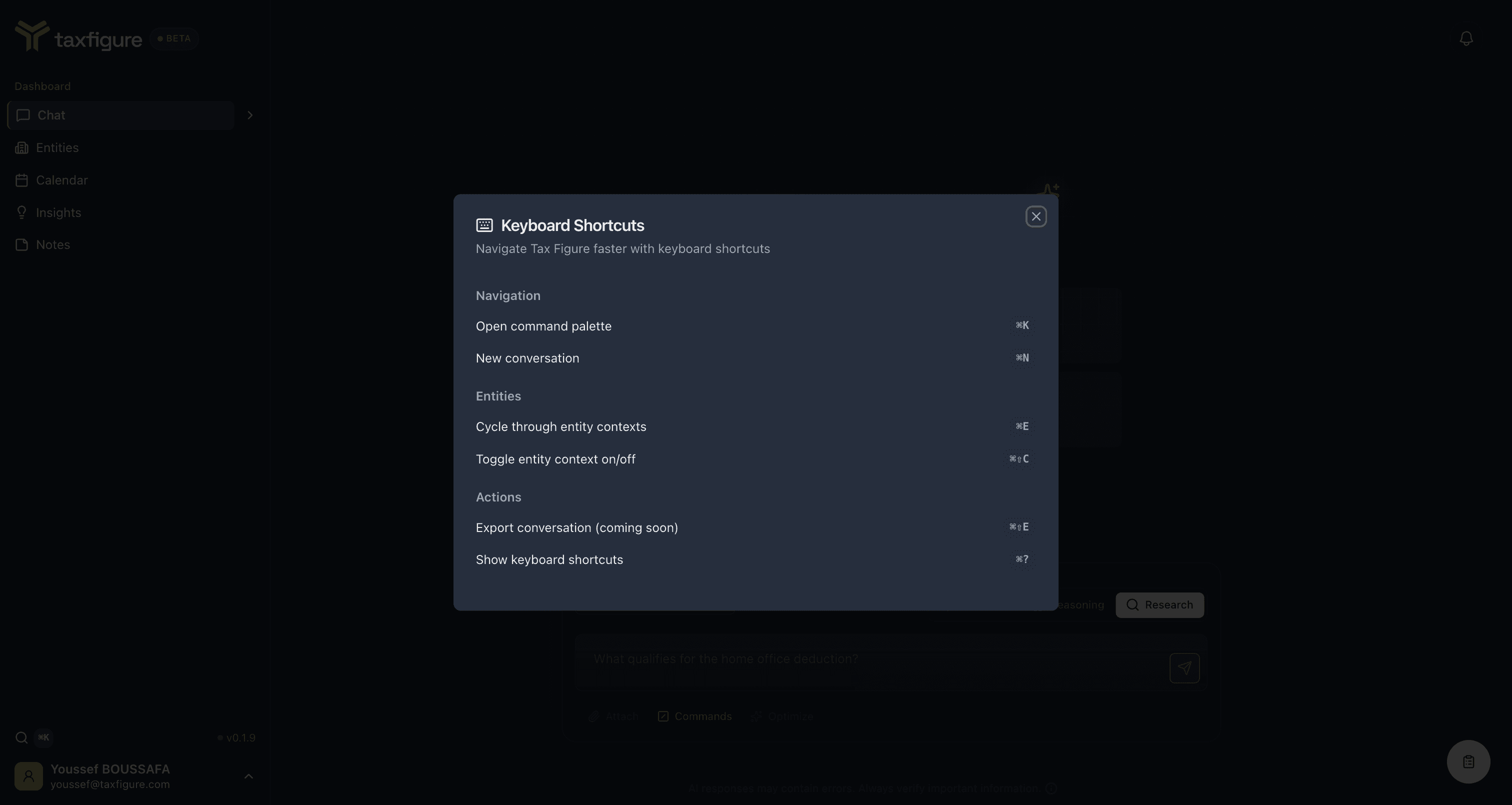
On Windows and Linux, substitute Ctrl for ⌘ (Cmd).
Navigation
| Shortcut | Action |
|---|---|
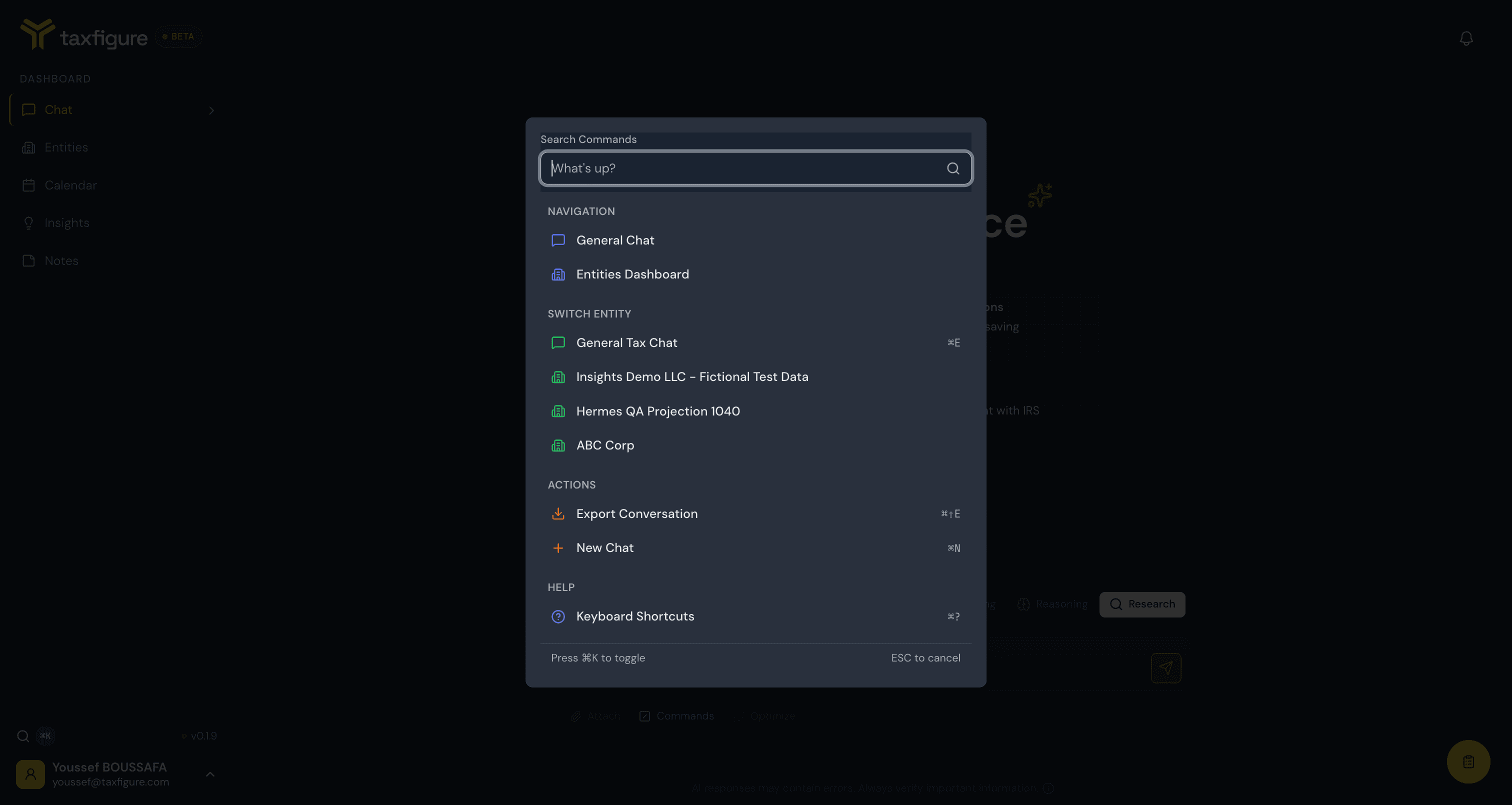
⌘K | Open the command palette. Type to search for entities, jump to pages, and run quick actions. |
⌘N | Start a new conversation. |
The ⌘K palette is the fastest way around the app — it groups results
into Navigation, Switch Entity, Actions, and Help, and
shows the shortcut next to each action:
Entities
| Shortcut | Action |
|---|---|
⌘E | Cycle through entity contexts. Each press advances to the next entity in your list, then loops back to General Tax Chat. |
⌘⇧C | Toggle entity context on/off. Switches between General Tax Chat and your most recently used entity. |
See Entity context for how entity context shapes chat answers.
Actions
| Shortcut | Action |
|---|---|
⌘J | Toggle the Notes drawer. See Notes. |
⌘⇧F | Open the feedback form. |
⌘⇧E | Export the current conversation. (Coming soon.) |
⌘? | Open this keyboard shortcuts dialog. |
When shortcuts don't fire
Global shortcuts are ignored when you're typing inside a text field
(input, textarea, or rich-text editor). That's intentional — so ⌘N
inside the chat input doesn't take you out of your message. Click away
from the field first, then trigger the shortcut.