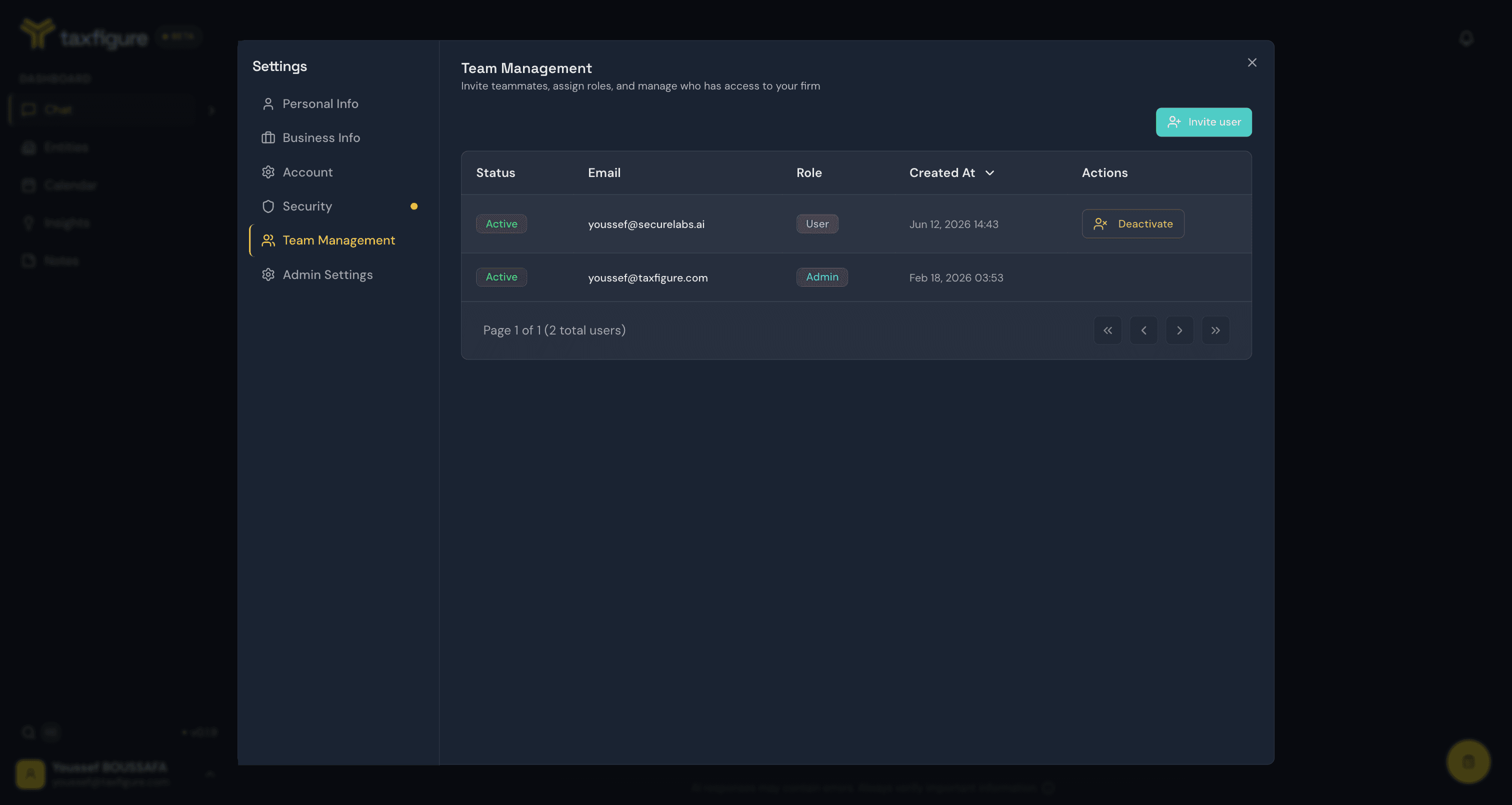
Team & firm admin
Invite teammates, set roles, and configure firm-wide settings.
Firm administrators manage the people, permissions, and policies that apply across all entities in the firm.
If you're not an administrator, you'll still see your firm's name in your profile, but the admin-only sections below won't be visible in your settings.
Invitations
Invite teammates to join your firm.
Roles & permissions
Admin and CPA User roles, plus per-entity access.
Firm settings
AI behavior, compliance, and audit policies.
Who is an administrator?
The first person to set up a firm in TaxFigure is automatically that firm's administrator. Administrators can:
- Invite new teammates and assign their roles.
- Manage other users' roles and activate/deactivate team members.
- Edit firm-level settings (AI behavior, compliance policies).
Administrators can invite other users as administrators from the team management screen. A firm should have at least two administrators — if the only admin loses access, you'll need to contact TaxFigure support to recover.
Where admin lives
Admin features live in Settings (avatar menu, bottom-left). Two sections are visible only to administrators:
- Settings → Team Management — invitations, roles, and member status.
- Settings → Admin Settings — firm-wide AI behavior, tax practice parameters, and compliance policies (including the audit trail).