
Calendar
Filing deadlines and events across all your entities, in one view.
The Calendar shows every event and deadline across all your entities in a unified view. Use it to spot conflicts, plan capacity, and stay ahead of filing dates.
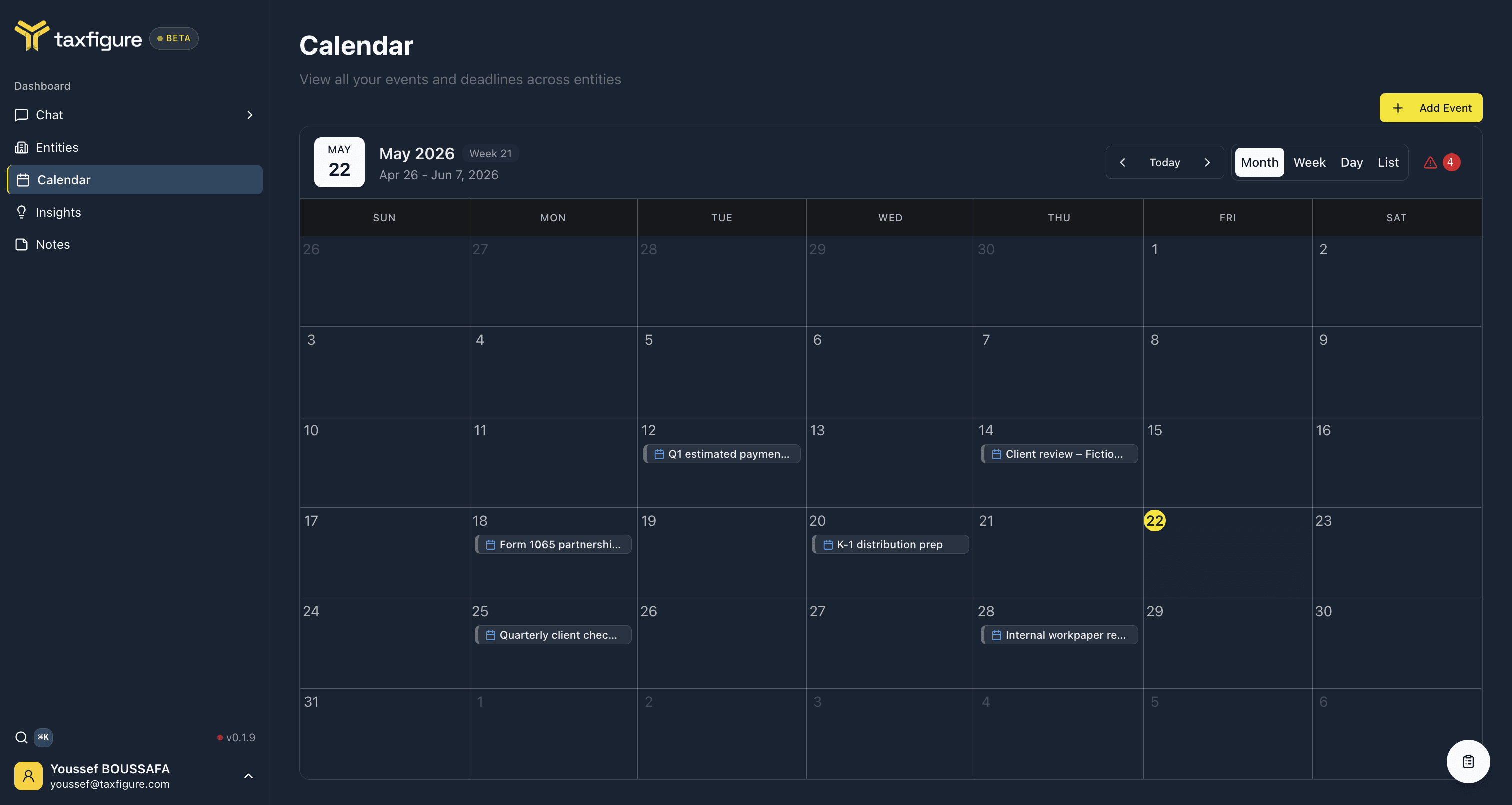
Open the calendar
Top nav → Calendar.
Views
Switch between four views using the toggle in the top right:
- Month — default, shows the full month grid.
- Week — a 7-day grid with hour slots.
- Day — a single day's events in detail.
- List — a flat list of upcoming events, useful for filtering and exporting.
Use Today, Previous period, and Next period to navigate.
What's on the calendar
The calendar combines several event sources automatically:
- Tax filing deadlines — federal and state filing dates for each entity, based on entity type and jurisdiction.
- Estimated payment due dates — quarterly estimates for entities that need them.
- Custom events you add — engagement milestones, client meetings, internal review dates.
Each event is color-coded by entity, so you can scan the month and see which clients have what coming up.
Add an event
- Click + Add Event in the top right.
- Fill in the title, and pick the entity (or keep General for firm-wide events) — the event takes the entity's color.
- Optionally add a description, set the event type (e.g. appointment), toggle all-day, and set an end date or a reminder.
- Click Create Event.
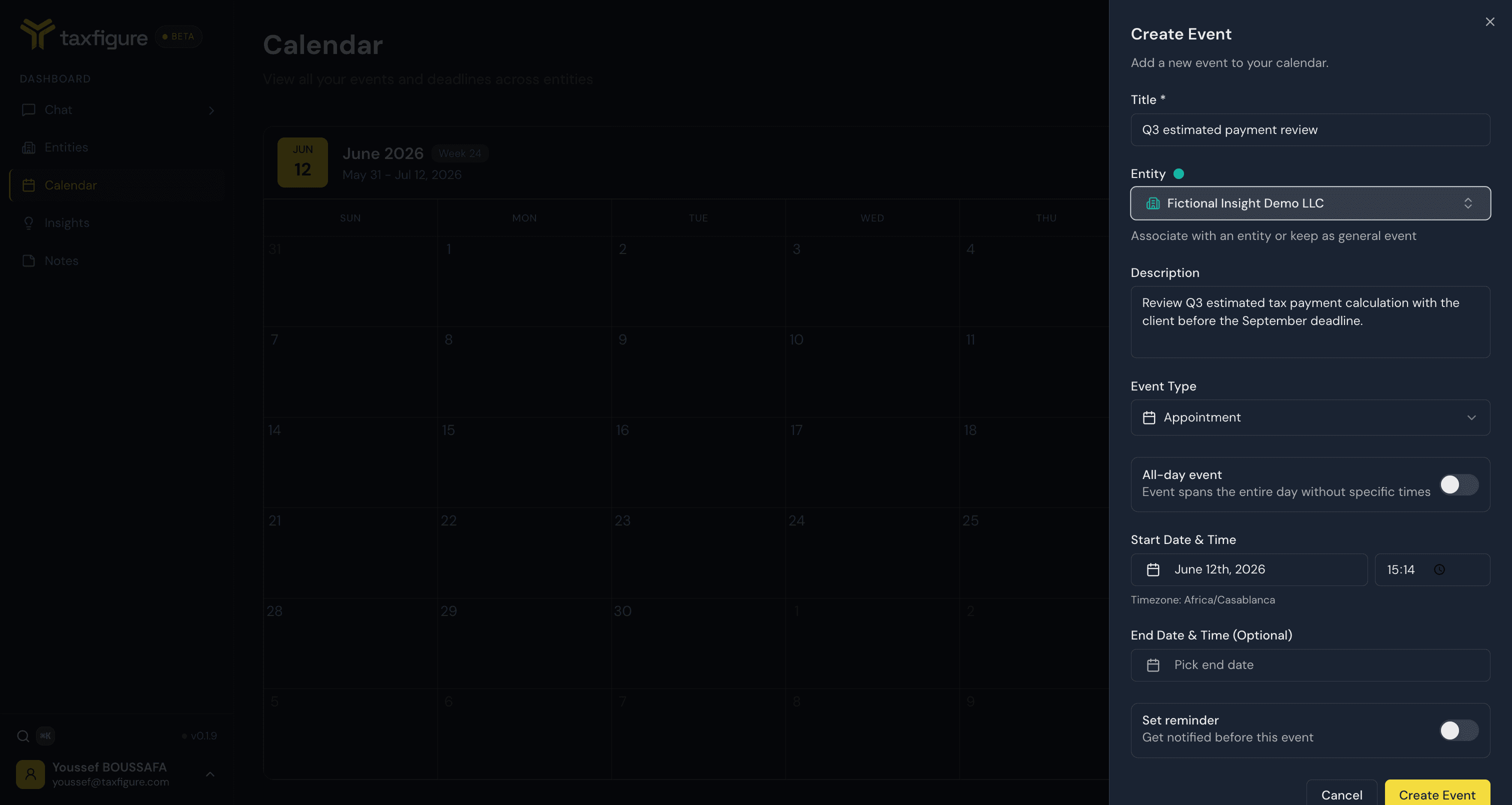
The event appears immediately on the calendar and on the entity's own calendar tab (if linked to one).
Entity-specific calendars
Each entity workspace has its own Calendar tab. That tab shows only that entity's events, but events added there also show up in the global calendar.