
Notes
Persistent notes you can keep alongside your work.
Notes are quick, persistent jottings that live outside any specific chat or entity. Use them for personal reminders, research scratchpads, or client-specific annotations you want to keep around.
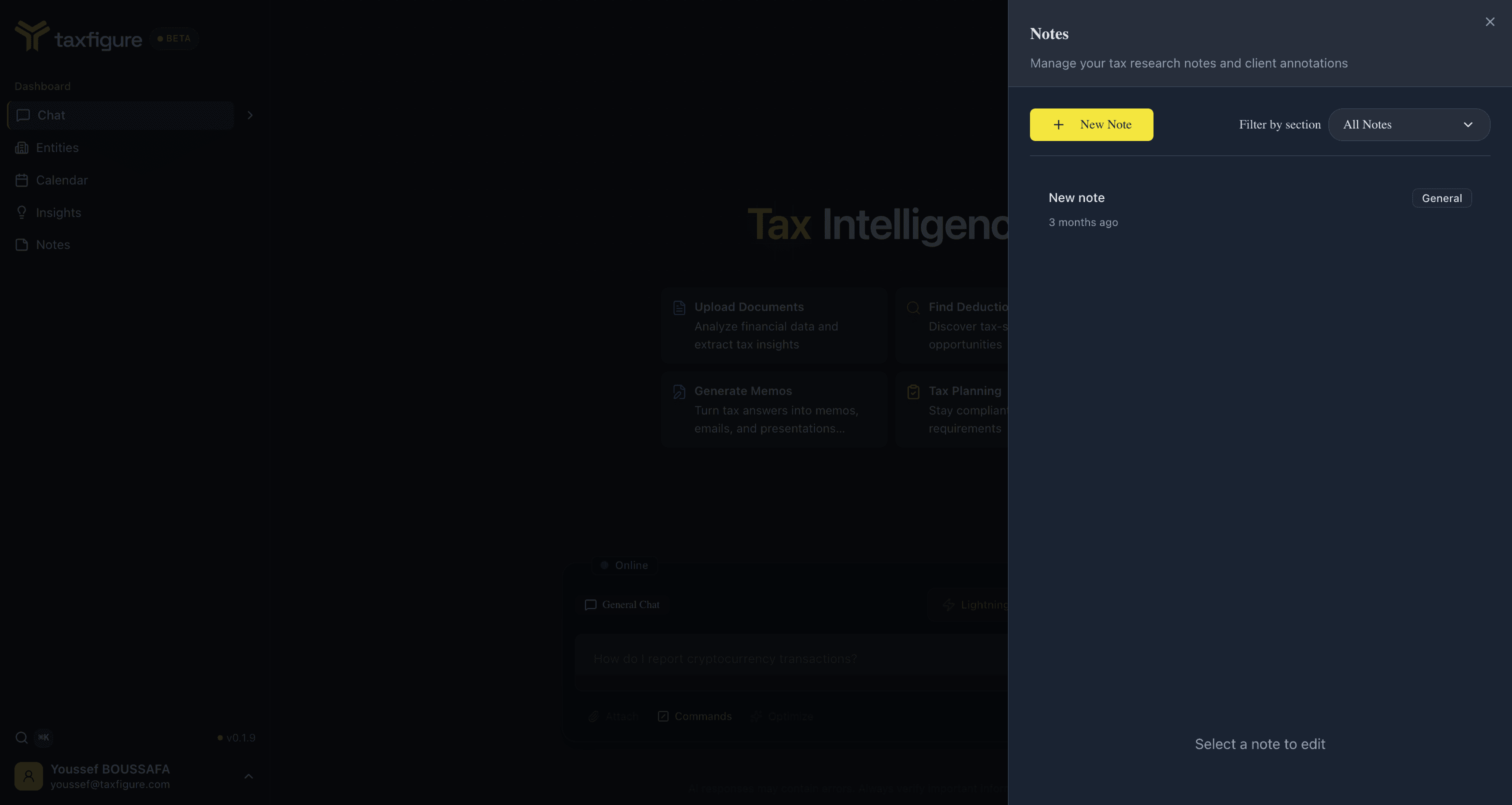
Open Notes
Click Notes in the top nav (or press ⌘J). The Notes panel slides
out from the side of any page — you don't lose your current context.
You can trigger it from anywhere in the app.
Create a note
- Open Notes.
- Click + Create new note.
- Type your note. Notes are saved automatically as you type.
Organize notes
- Filter by section — group notes by category (research, client, internal, etc.).
- Search — match by title or content.
Where notes live
Notes are personal to your user account — your teammates don't see them unless you copy the content into a shared place (chat or an entity description).
If you want a note to be visible to a client's case file, paste it into the entity's Custom instructions or into a chat tied to that entity instead.