
Attachments
Where document attachments live today, and where they're going.
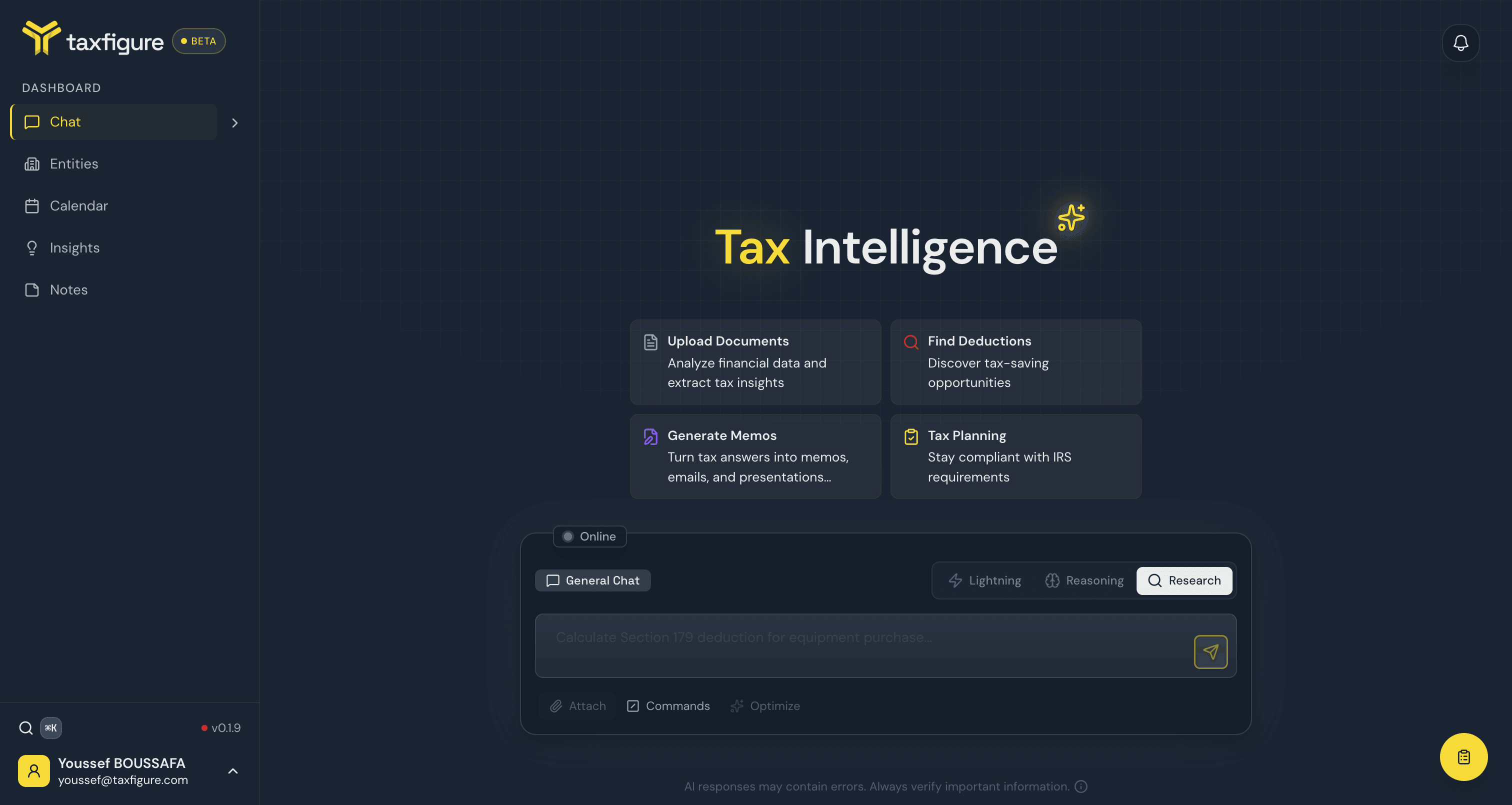
Today, you upload documents from an entity's Documents tab — not directly inside the chat. The Attach button in chat is reserved for an upcoming release; for now it's labeled "Document attachments coming soon."
Get documents into chat context today
Even without inline attachment, TaxFigure can still use your documents in chat answers:
- Upload the document from the entity's workspace (Entity → Documents tab). See Documents.
- Open a chat scoped to that entity (set the entity in the chat history sidebar — see Entity context).
- Ask your question normally — TaxFigure pulls from the entity's processed documents when generating the answer.
What chat attachments will look like
When inline attachments ship, you'll be able to:
- Drag-and-drop files directly into the chat window.
- Click the paperclip icon to pick a file.
- Paste an image from your clipboard.
Files dropped into chat will be linked to the entity attached to that conversation, and end up in the same document store as files uploaded from the entity's Documents tab.