
Personal info
Update your name and personal details.
The Personal Info tab in Settings holds your basic profile.
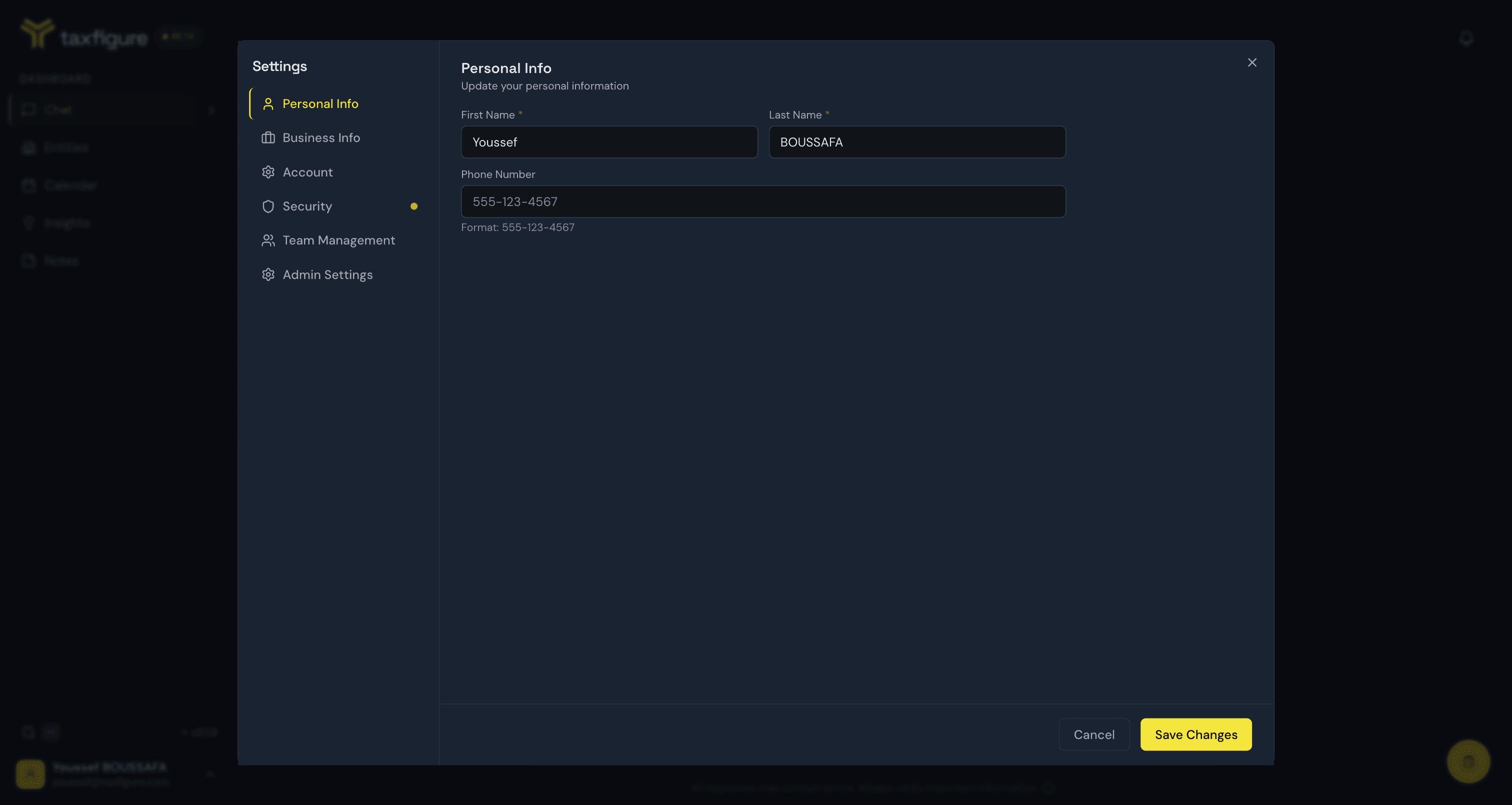
What you can edit
- First name and last name — used throughout the app and on anything you share or export.
- Any optional contact and preference fields shown in the form.
Edit your profile
- Open Settings → Personal Info (avatar menu, bottom-left).
- Change the fields you want to update.
- Click Save Changes at the bottom of the panel.
If you want to revert your edits before saving, click Cancel — the form resets to your stored values.