
Account
Email, password, and last-updated info.
The Account tab in Settings is where you change your password and see your account-level metadata.
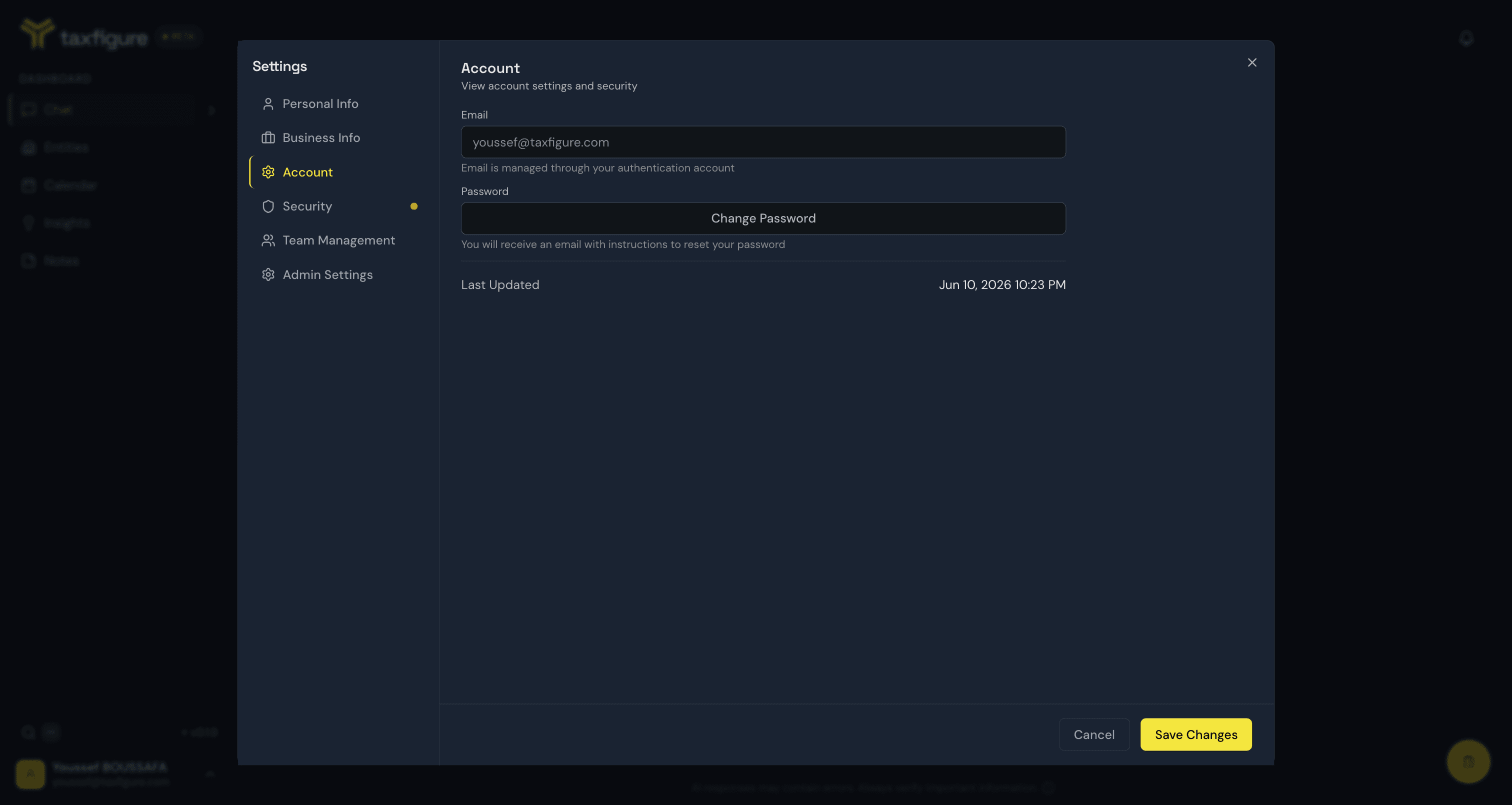
Your email address is read-only here — it's the address you signed in with and is managed by your authentication provider (email, Google, or Microsoft).
If you need to change the email on your account, contact your firm administrator.
Change your password
- Click Change Password under the Password field.
- TaxFigure emails you a password reset link.
- Open the email and click the link.
- Choose a new password and confirm.
You won't be signed out of other devices automatically — sign in again on each device to refresh sessions.
Last updated
The Last Updated timestamp shows when your account record was last modified (password change, profile edit, MFA enrollment, etc.). Use this as a quick check if you suspect an unexpected change to your account.