
Business info
Update your business name, firm type, and professional licensing.
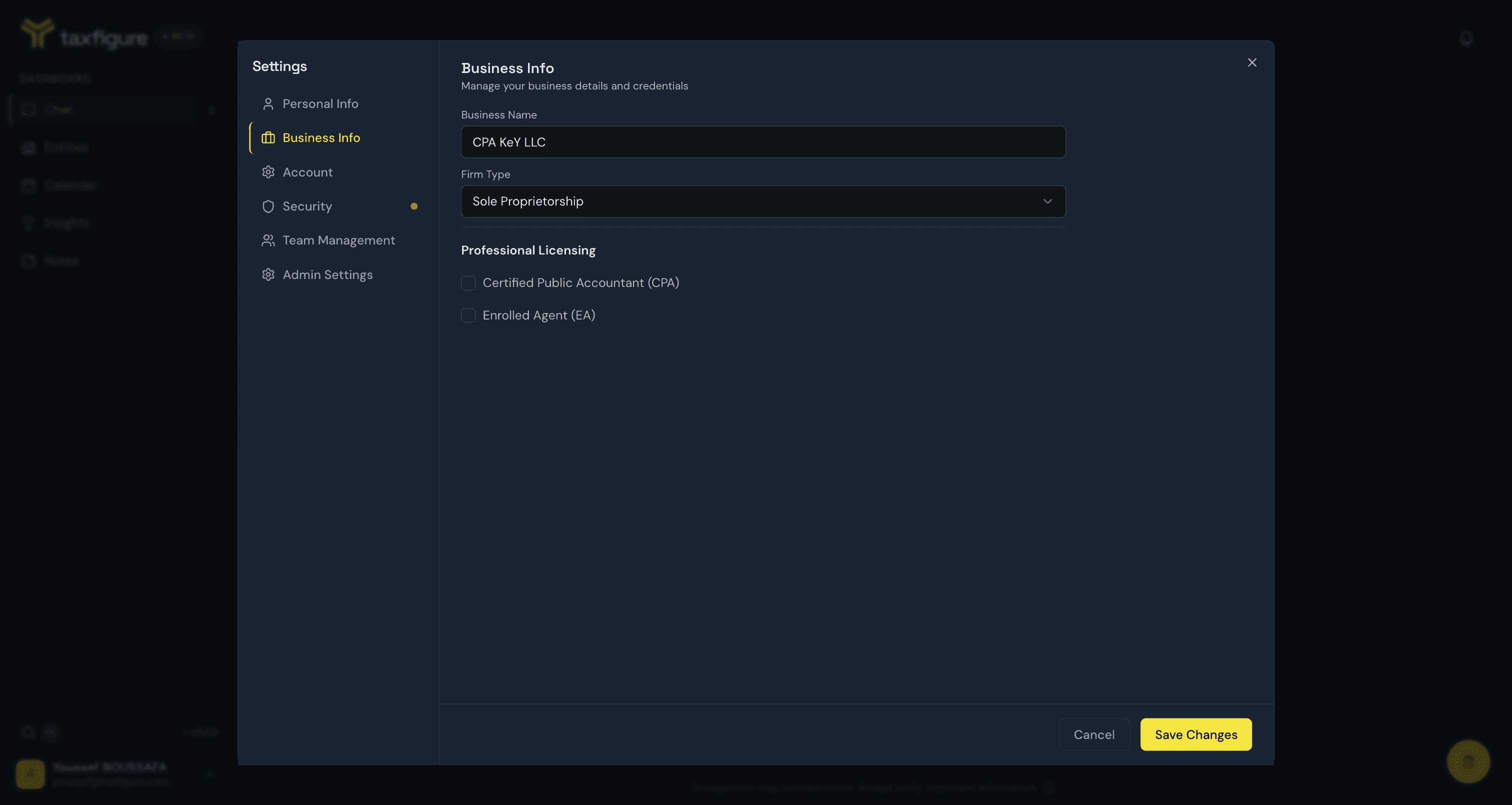
The Business Info tab in Settings is where you keep your professional context: your business details and credentials. TaxFigure uses these signals to tailor AI responses to your practice.
What you can edit
- Business name — the firm you work for. If you're an administrator, this is also the firm name displayed across the workspace.
- Firm type — e.g. sole proprietorship.
- Professional licensing — whether you're a Certified Public Accountant (CPA) and/or an Enrolled Agent (EA).
Update your business info
- Open Settings → Business Info (avatar menu, bottom-left).
- Update the fields.
- Click Save Changes.
Changes take effect immediately — there's no need to sign out and back in.